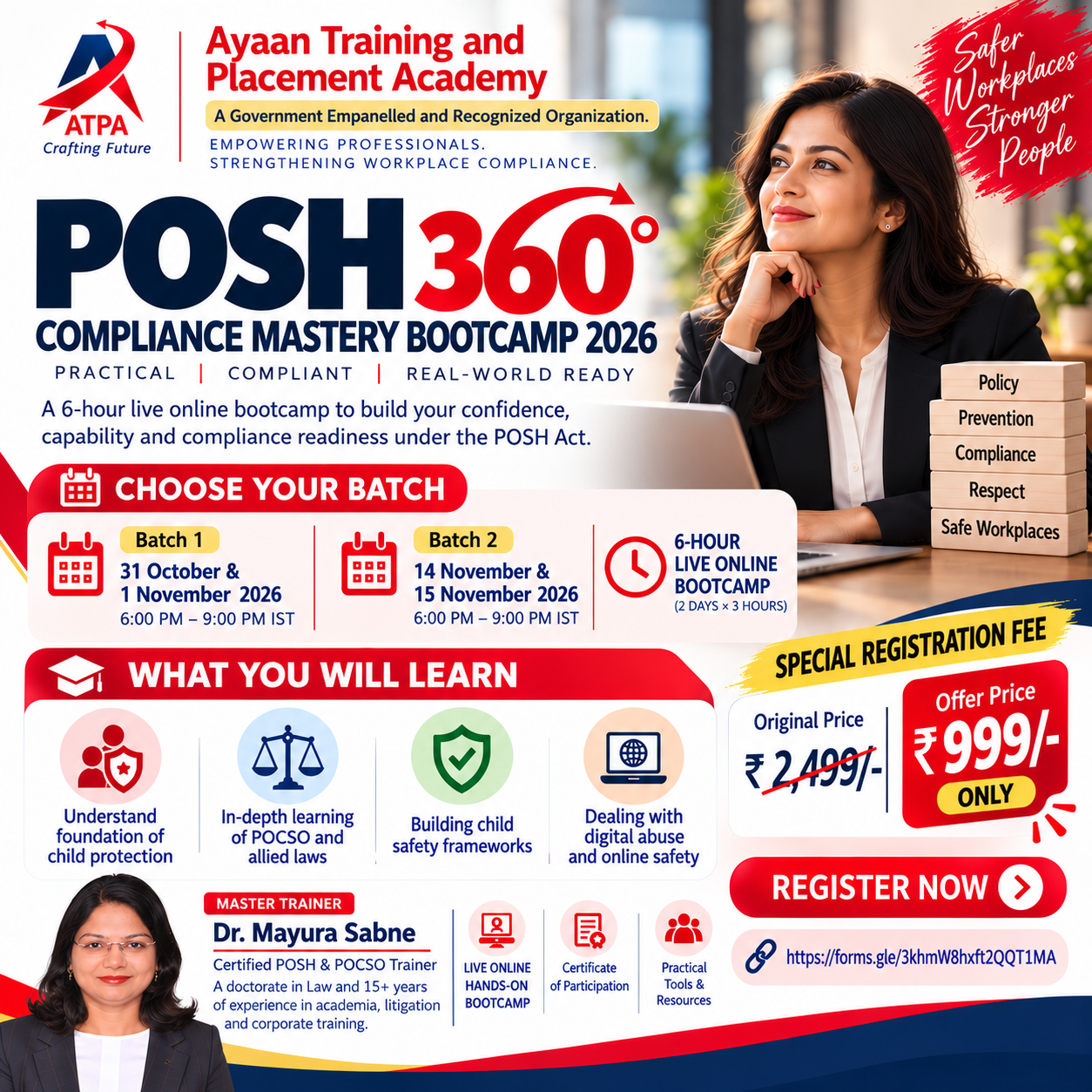
POSH 360° COMPLIANCE MASTERY BOOTCAMP 2026
SHe-Box Compliance | POSH Audit Readiness | Annual Report Preparation From Compliance Requirements to Practical Implementation! A 6-Hour Live Online Hands-on Bootcamp

|
Total Duration- 5 Hours
|
< | |||
|
Learning Objective- |
< | |||
|
1. To get acquainted with basic utility of MS Word |
< | |||
|
2. To understand the functionalities of MS Word |
< | |||
| < | ||||
|
Syllabus
|
< | |||
|
Module No |
Particulars |
Hours allocated |
< | |
|
1 |
Understanding the basic utility of word & File tab & Home Tab |
1 |
< | |
|
2 |
Learning Insert Tab |
1 |
< | |
|
3 |
Learning Design & Layout Tab |
1 |
< | |
|
4 |
Learning Reference, Mailing, Review and View Tabs |
1 |
< | |
| < | ||||
|
Assessment- |
< | |||
|
Total 50 marks assessment will be conducted. |
< | |||
|
Assessment will be of 1 hour. |
< | |||
|
Participants have to complete following tasks successfully to secure 25 marks out of 50 marks for passing.
|
||||
|
1 |
Insert picture and align with text |
20 |
< | |
|
2 |
Use referencing |
10 |
< | |
|
3 |
Tracking a Document |
10 |
< | |
|
4 |
Usage of Smartart and charts |
10 |
< | |
|
|
Total |
50 |
< | |
SHe-Box Compliance | POSH Audit Readiness | Annual Report Preparation From Compliance Requirements to Practical Implementation! A 6-Hour Live Online Hands-on Bootcamp
Get acquainted with mooting skills to be a sharp lawyer
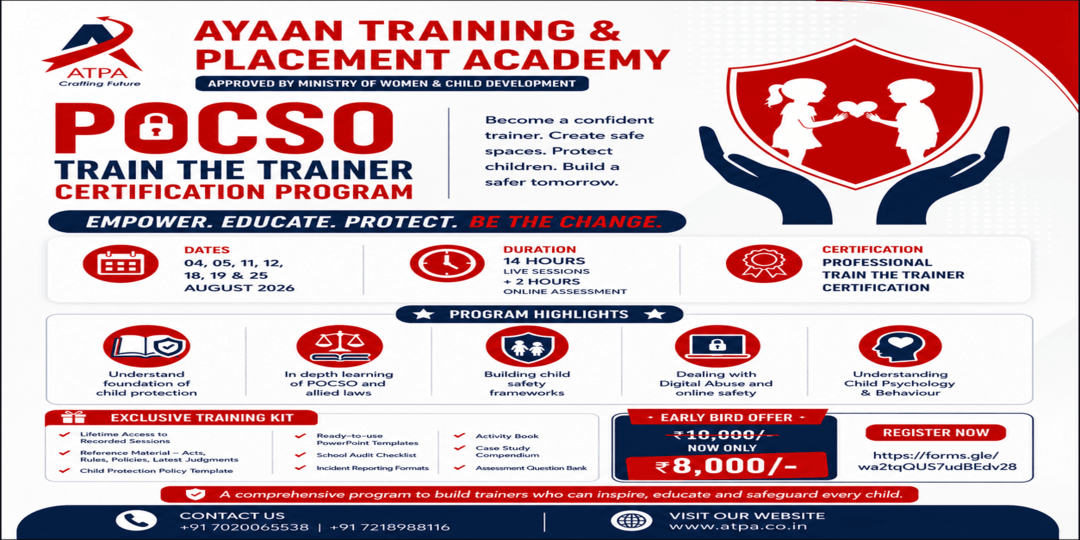
Join the POCSO Train the Trainer Certification Program by Ayaan Training & Placement Academy. Learn child protection, POCSO laws, digital abuse prevention, child psychology, and safety frameworks. Live sessions, online assessment, certification, and train
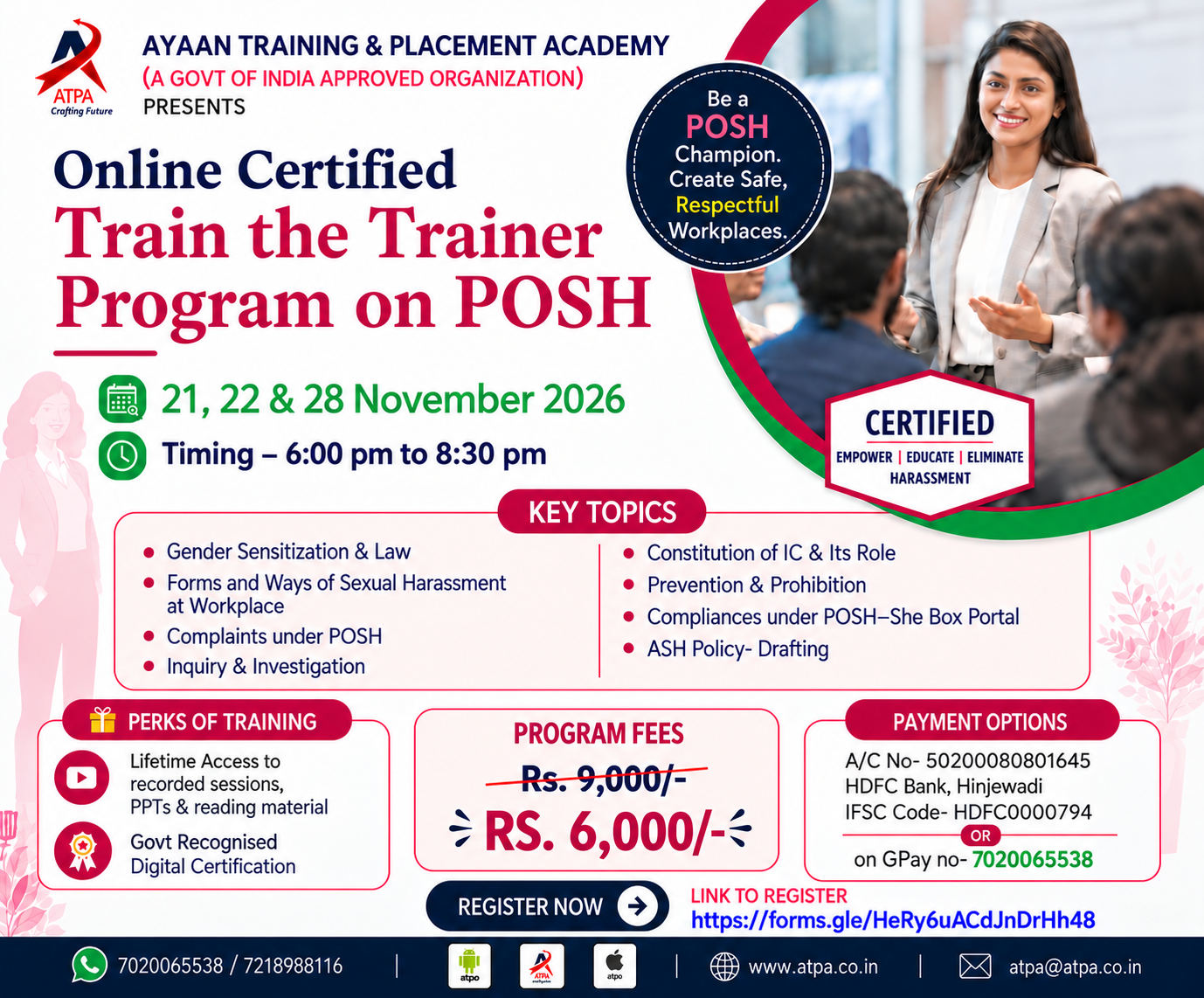
Join the Online Certified Train the Trainer Program on POSH by Ayaan Training & Placement Academy. Learn POSH law, workplace harassment prevention, IC constitution, inquiries, compliance, and policy drafting.

Training Administration Services

ILT & e-learning modules